



Precautions for Using UV Printers in High-Temperature Summer Weather
- Try to control the working environment temperature of the UV printer between 20-30°C (68-86°F). You can use air conditioning to regulate the temperature; this helps prevent ink breaking (clogging). Additionally, electrical components such as boards will not be damaged due to excessive heat.

- Place the UV printer in a cool, shaded, and well-ventilated indoor area, avoiding environments with direct sunlight.
- You can install a humidifier to control the environmental humidity during operation, maintaining it at 40-60%. This will greatly improve ink clogging issues. Furthermore, adding a humidifier also functions to eliminate static interference.

- After turning on the UV printer, be sure to print a test strip first to check if the nozzles are clogged. High-temperature summer weather can easily cause the ink to dry out.
- Although UV printers have a “flash spray” function in standby mode, if it will not be working for a long time, you should still choose the power-off moisturizing function. Do not leave the machine in standby for extended periods, as this can cause the temperature to rise.
- In high-temperature environments, you must pay attention to electrical safety. Do not connect too many devices to a single power strip. It is best to use a dedicated power strip for the UV printer and computer, and a separate one for other electrical appliances to avoid overloading a single outlet.


2026 Buying Guide: Why I Strongly Advise Startups to Skip the XP600 and TX800 printheads
By 2026, the XP600 and TX800 printheads are basically on their way out in the sign industry.

Epson DX4 Printhead Replacement
Replacing an Epson DX4 printhead is a precision task that requires proper preparation, clean working conditions, and a clear understanding of the ink delivery system.
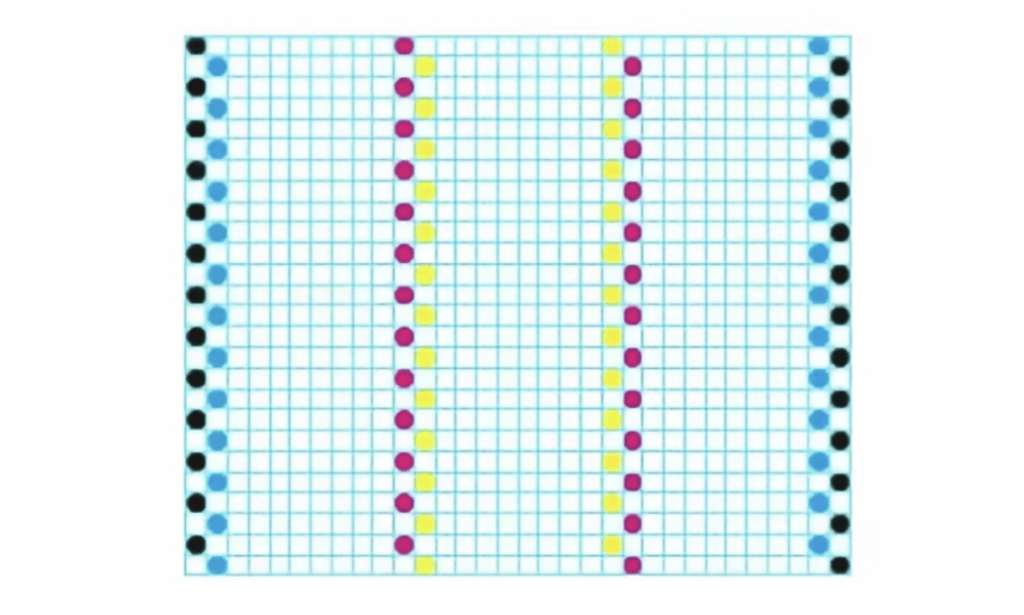
Generally speaking, standard KCMY inks achieve color through the absorption and reflection of certain wavelengths of natural light.


